“Time for your medication.”
Plan the time of each dose. See whether they confirmed your reminder.
Medication remindersAppointments, bills, medication and daily routines. Set reminders for yourself or someone you care about, and see their confirmation in your app.
You can add reminders for yourself as well.
We plan to add Android too.
Your morning reminder.
The answer will appear here.
Confirmed with one tap
A reminder at the time you choose
Their reply in your app
App screens
The screens show example data
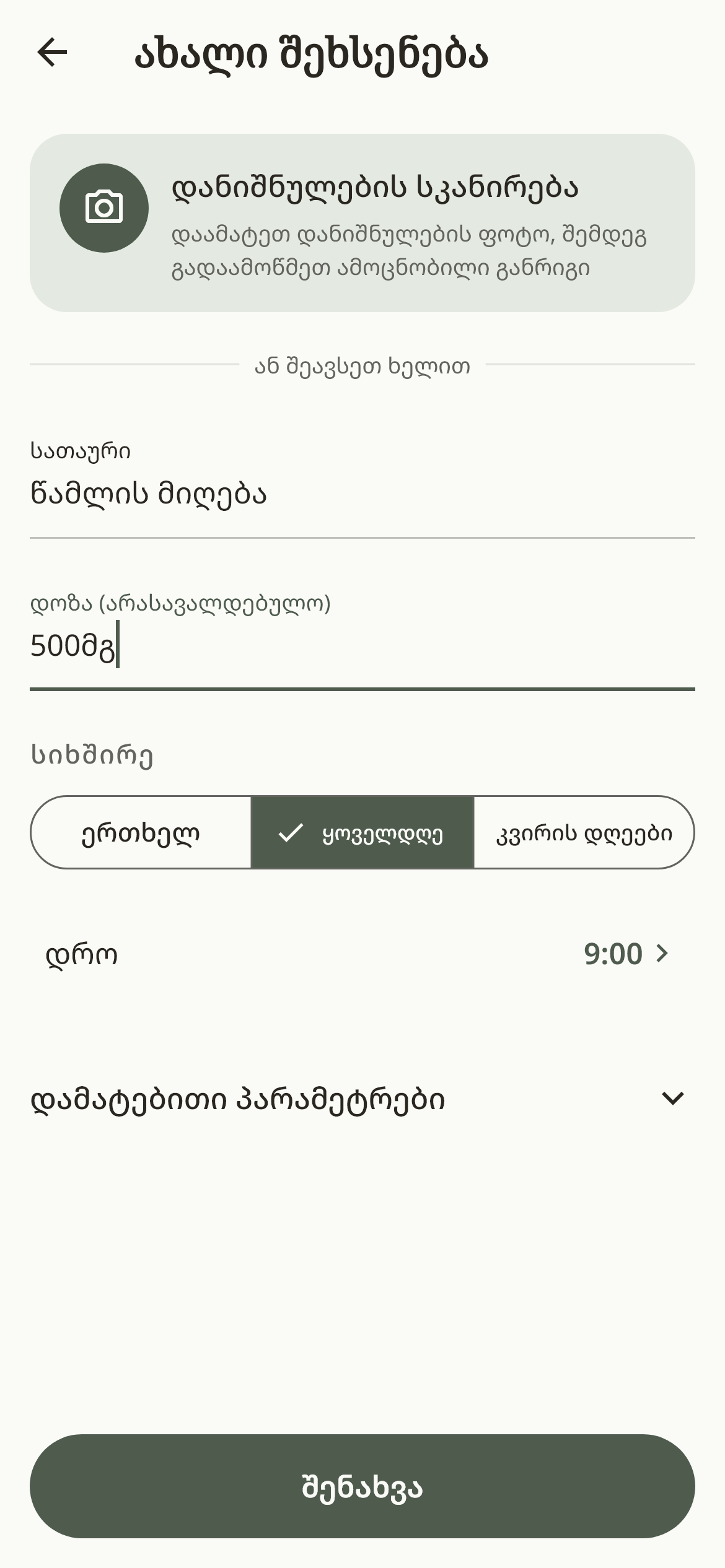
Choose what the reminder is for and when it should arrive.

They confirm the reminder with one tap.
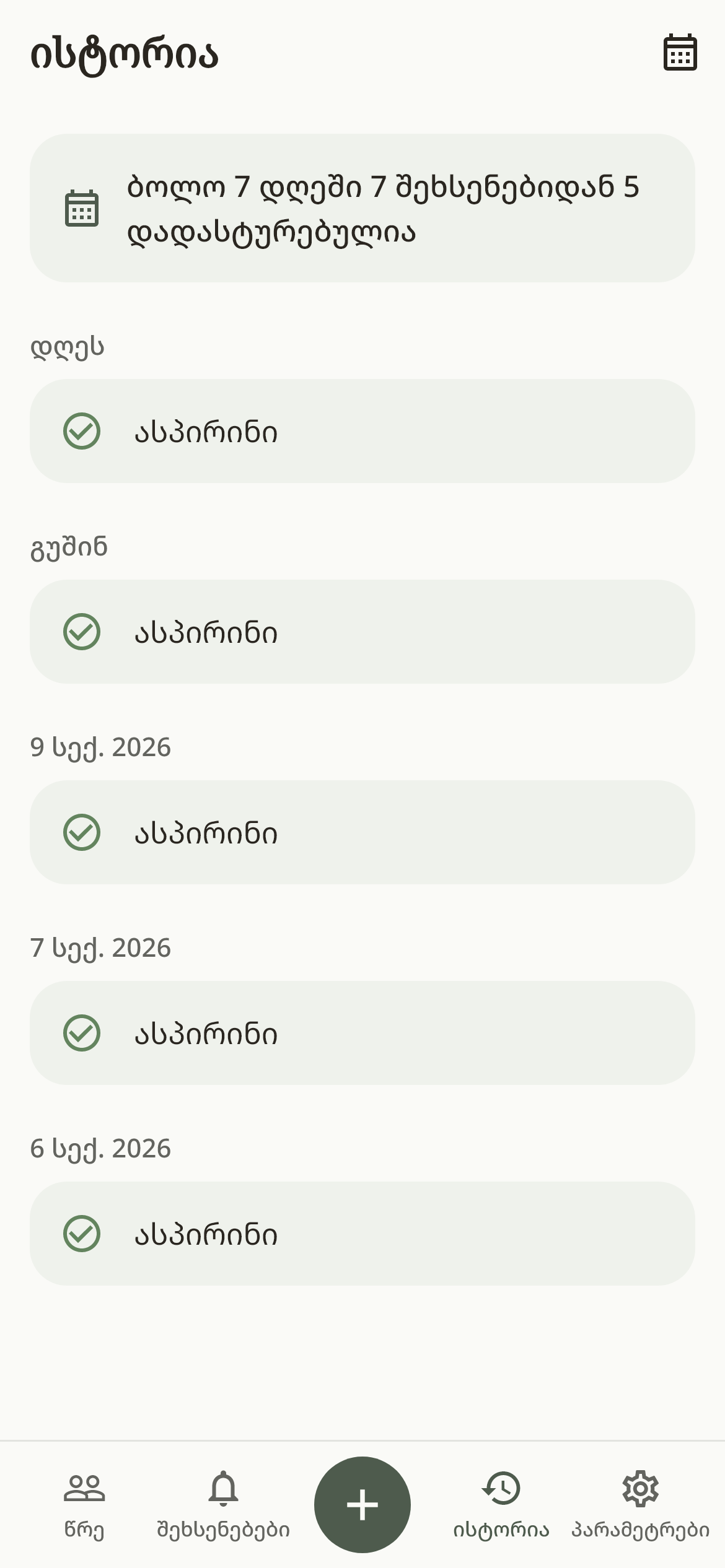
Look back at previous confirmations.
Tap an image to see the screen full size. Try the confirm demo too ↑
Everyday reminders
for the things you need to remember.
Plan the time of each dose. See whether they confirmed your reminder.
Medication remindersSet reminders for an appointment, a bill, locking the door or turning off the stove. See your loved one’s confirmation in your app.
Everyday thingsSchedule a reminder to check food supplies for yourself or someone else.
Food and suppliesInvite someone, then add your first reminder. If you use the app only for yourself, no invitation is needed.
 For you and
Share an invitation code or QR code. They use it to link their account with yours.
Choose a time and how often the reminder repeats. Add a message recorded in your own voice or a loved one’s voice.
They answer with one tap. If no answer comes, WE tells you the reminder has not been confirmed yet.
Appointments, bills, health routines and household tasks can fill a day. Plan your reminders in WE so you have less to keep track of and more time for the things that matter to you.
Add a message recorded in your own voice or a loved one’s voice. A familiar voice makes a daily reminder feel more personal. You can also send a hug through the app.
No. You can set reminders for yourself. Adding another person is optional.
It means the person tapped the confirm button. The app does not verify that medication was taken or check the door or stove automatically.
WE tells you the reminder has not been confirmed yet. From there you can reach out yourself. No answer does not, on its own, mean anything has happened.
Reminders already scheduled on the phone do not need internet. The required notification permissions must be enabled. Both of you need internet to exchange notifications and see confirmations.
WE is available on the App Store. We plan to add Android too.
Available now for iPhone.
We plan to add Android too.